How a generated video ends up on your page
Transparent video is not a format. It is four or five decisions, and generation only makes the first one for you.
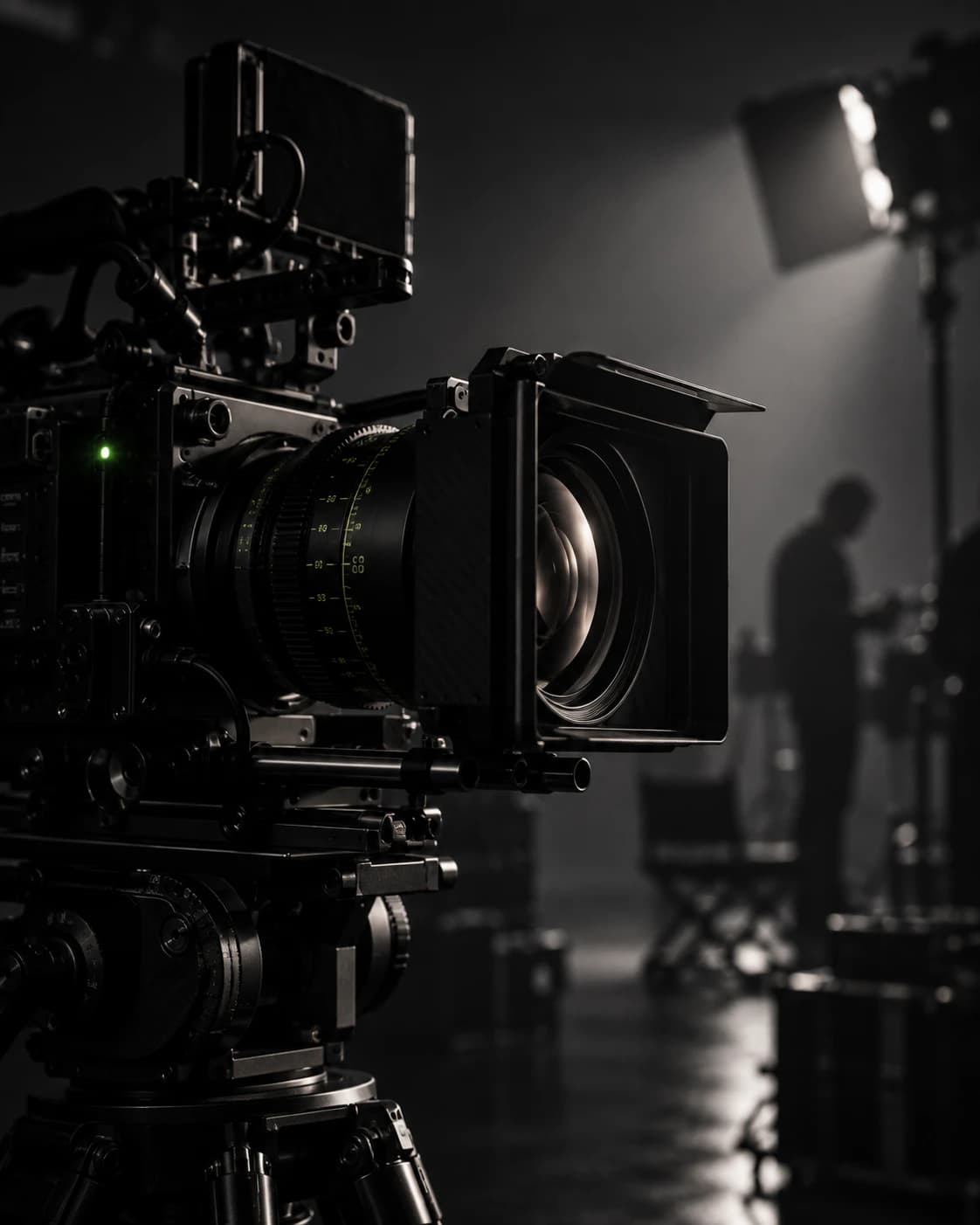
The brief is always the same and always reasonable. A product turns slowly on the page. There is no box around it, no grey rectangle, no hard edge where the video stops and the page starts.
We make this footage most weeks, and generating it is the quick part — a still, a prompt and a few credits. What decides whether it can go on your page is everything after that, and almost all of it is decided before anyone opens a tool. This is that part of the job.
What the tool means by transparent
Ask a video tool to remove a background and you get back an ordinary H.264 file in which the background is black. Not absent — black. There is no alpha channel in it, because the format almost everyone can play does not carry one.
The formats that do carry alpha are each missing a browser. HEVC with an alpha channel plays in Safari and not elsewhere. VP9 with alpha plays nearly everywhere except Safari. Ship either one on its own and a quarter of your visitors get a black rectangle where the product should be.
Keying it in the browser eats the product
The obvious repair is to drop the black out in the browser: treat dark pixels as transparent, let the page show through. It works on a bright object over a black field and falls apart on everything else. Shadows go. Dark edges go. Anything the object has in common with its background goes with it.
Keying against green instead moves the problem rather than solving it. We lost the edge of a silver object against a grey plinth doing exactly that — the two were close enough in value that the key took part of the product with the background. On a chrome, glass or brushed-metal product, which is most of the products anyone wants turning on a page, a colour key is not a technique. It is a gamble.
Pack the matte into the frame
What we ship instead is one ordinary H.264 file with the picture on one half of the frame and its matte — a black-and-white silhouette — on the other. The browser plays it as a normal video, off screen, and a small WebGL shader reads both halves at draw time and rebuilds the transparency per pixel.
The result is a real edge, including soft ones, in a file every browser has played for fifteen years. The cost is a shader and a canvas instead of a video element, and a file twice the height.
ffmpeg[0:v]format=rgba,split=2[c][a];[a]alphaextract[m];[c][m]vstackThat is the shape of the command rather than a recipe — the two halves have to agree on pixel format before they will stack, and how you get there depends on what came out of the tool.
When the section is white, do not fight it
All of the above is for a section whose background you cannot predict. If the section is white, and on most of our pages it is, there is a cheaper answer that looks better: render or bake the object and its shadow onto white, then multiply the whole box into the page.
Multiply keeps white as nothing and everything darker as itself, so the shadow lands on the page instead of sitting in a box. It wants one preparation step — lift the near-white values so the paper is genuinely 255 and not 250, or the box edge shows as a faint grey pane. No alpha channel, no shader, no second format.
Decide what the section behind it is before anyone generates a frame. It changes which of these you are buying.
— The rule we work to
Where the frames come from, and what they cost
Generating motion directly from a text prompt is the expensive way to find out you wanted something else. We commit to a still first, approve it, and generate motion from that still.
| Step | What it is for | What it cost us |
|---|---|---|
| Still from the board | Agreeing the product, angle and light before anything moves | A few credits, repeatable |
| 5 s of motion from that still | The turn, the drift, the one gesture the section needs | 45 credits |
| A seamless loop | A section that plays forever without a visible cut | 9 credits |
The numbers matter less than the order. A still costs almost nothing to redo and a clip does not, so every disagreement about the product belongs in the still.
Where we build it instead of generating it
There is one line generation does not cross yet, and it is worth knowing where it falls: anything with legible text on it, and anything whose surface has to be exactly right. Labels drift between frames. Reflections invent geometry that was not there a second ago.
For those we build the object in Blender and render it. Image-to-3D services get you a shape in a minute, but the meshes are too coarse for text and photographs — a printed label comes back as a suggestion of a label. Real geometry, real materials, rendered headless in a process of its own so nobody’s open session is involved, is slower on the first day and faster on every day after, because the second angle is free.
What to ask for
- The background firstWhat the section behind the video is, decided before the shoot or the prompt.
- The matte, separatelyAs its own deliverable, not baked into a preview that composites it for you.
- A still before motionThe product, the angle and the light agreed while a change still costs nothing.
- A poster frameSo the section is never an empty box while the file loads.
- The source projectIf it was built rather than generated, the second angle should not cost what the first did.
None of this is exotic. It is the difference between a video that looks right in a tool and one that looks right on your page, and it is almost always decided before anyone opens the tool.
Key takeaways
- A tool that removes a background hands back an ordinary film on black. There is no transparency in the file, whatever its preview shows you.
- Keying the black out in the browser works on a bright object over a dark field and eats the edge of everything else — chrome, glass and brushed metal first.
- Packing the matte into the frame ships one file every browser plays, with a real edge, at the cost of a shader and twice the height.
- On a white section none of that is needed: bake the object and its shadow onto white and multiply the box into the page.
- Approve a still before anything moves. The still is the cheap place to disagree about the product; the clip is not.
Frequently asked
Can you remove the background from a video we already have?
Usually, but what comes back is a film on black rather than a film with transparency in it, and how well it drops out depends on the product. A bright object against a dark field keys cleanly. Chrome, glass, brushed metal and anything with a soft shadow lose their edge, because the parts you want to keep have the same values as the parts you want gone. We look at the footage before we answer this one.
Why not just ship WebM with an alpha channel?
Because Safari does not play it. The two formats that carry transparency each miss a browser — HEVC with alpha plays in Safari and almost nowhere else, VP9 with alpha plays nearly everywhere except Safari — so shipping either alone leaves a share of your visitors looking at a black rectangle. Packing the matte into an ordinary H.264 frame avoids the choice.
Our section is white. Do we still need any of this?
No, and that is the cheapest answer in the piece. If the background behind the video is white, the object and its shadow are rendered onto white and the whole box is multiplied into the page: white becomes nothing, the shadow lands on the paper, and there is no alpha channel, no second format and no shader. It wants one preparation step — lifting the near-white values so the paper is genuinely white — or the box shows as a faint grey pane.
When do you build the object instead of generating it?
When there is legible text on it, or when the surface has to be exactly right. Labels drift between generated frames and reflections invent geometry that was not there a second earlier. Those we model and render, which is slower on the first day and faster on every day after, because the second angle is then free.